 Nutri Help
Log with voice, camera or barcode
Say it, snap it or scan it from the input dock.
The dock at the bottom of Today has four ways to log besides typing.
The input dock at the bottom of Today: voice, photo, keyboard, barcode and saved meals.
| Method | What happens |
|---|---|
| Voice | Speak your meal. Speech is turned into text on your iPhone when possible, and Nutri receives only the text. |
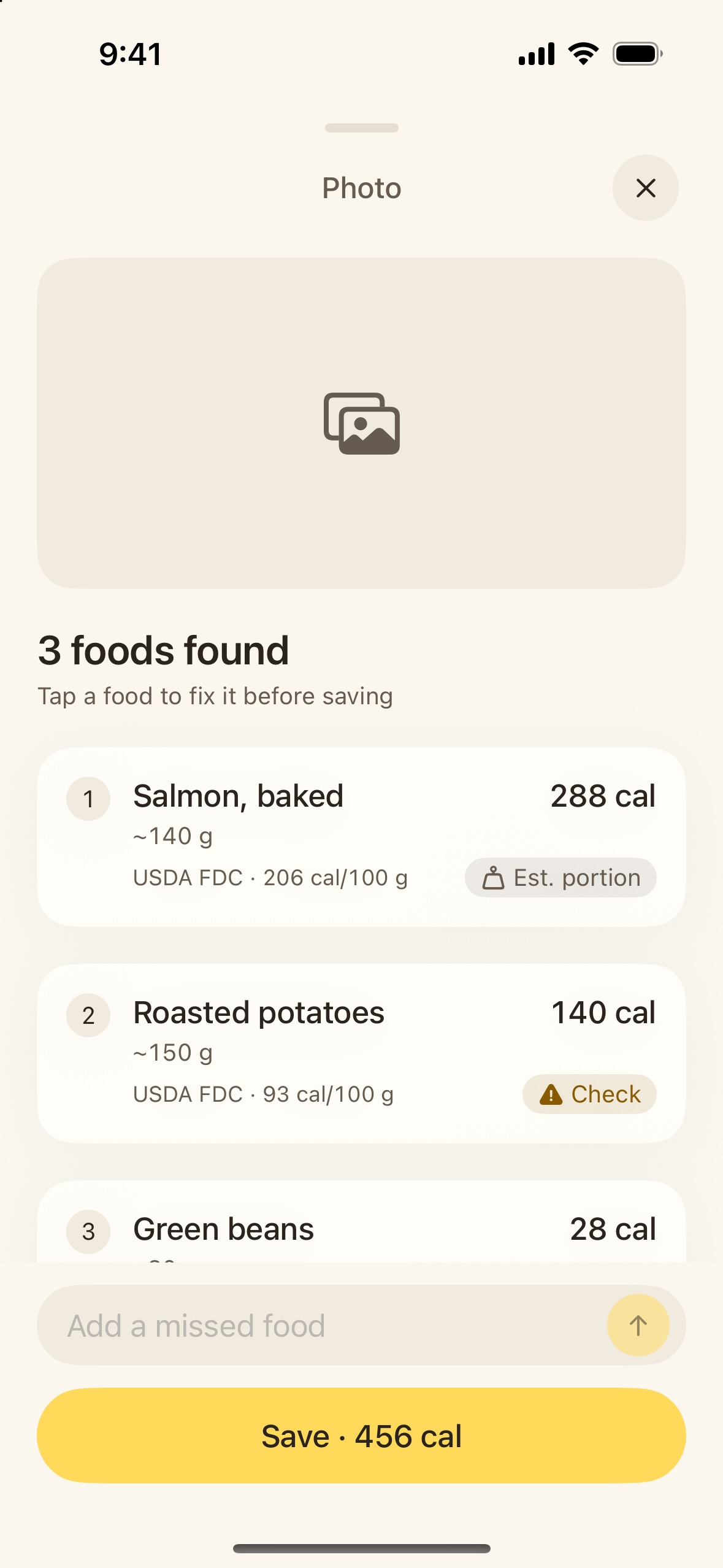
| Camera | A photo becomes a list of foods you can fix before saving. Location data is removed first. |
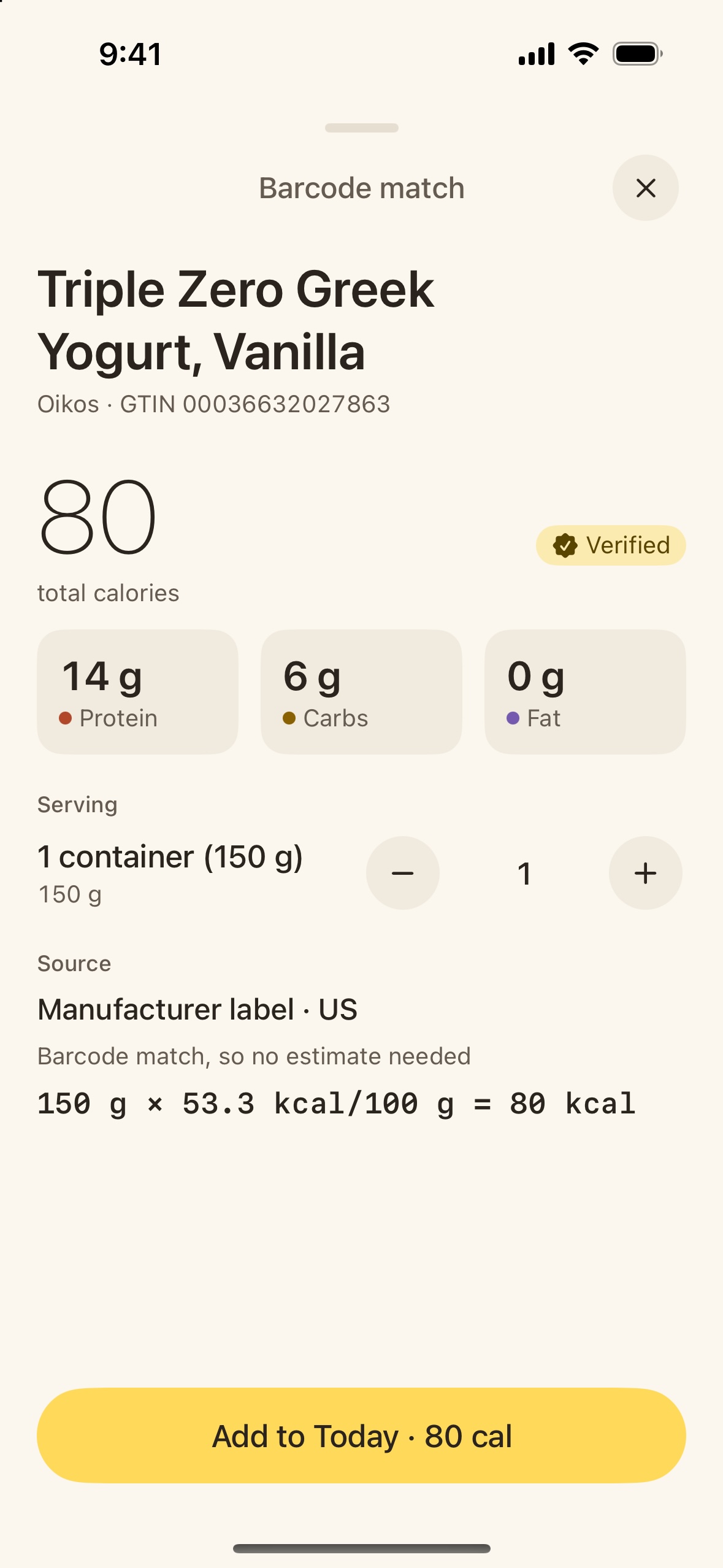
| Barcode | Scan a package and Nutri pulls the label. Confirm the product match, then choose your portion. |
| Saved | Log a meal you eat often in one tap. See Save meals you eat often. |
Permissions
Nutri asks for the microphone, speech recognition and camera only when you first use them. Change them anytime in Settings → Nutri.
Photo storage
In Profile, choose whether photos are deleted after you save the meal, after 30 days (default), or kept until you delete them.